
 Texas 67 SystemsCall for Consultation 469-907-5567
Texas 67 Systems insights
Small Business Office Move Technology Timeline: What to Plan Before Move-In
A practical North Texas timeline for planning internet, Wi-Fi, cabling, phones, printers, and network equipment before an office move.
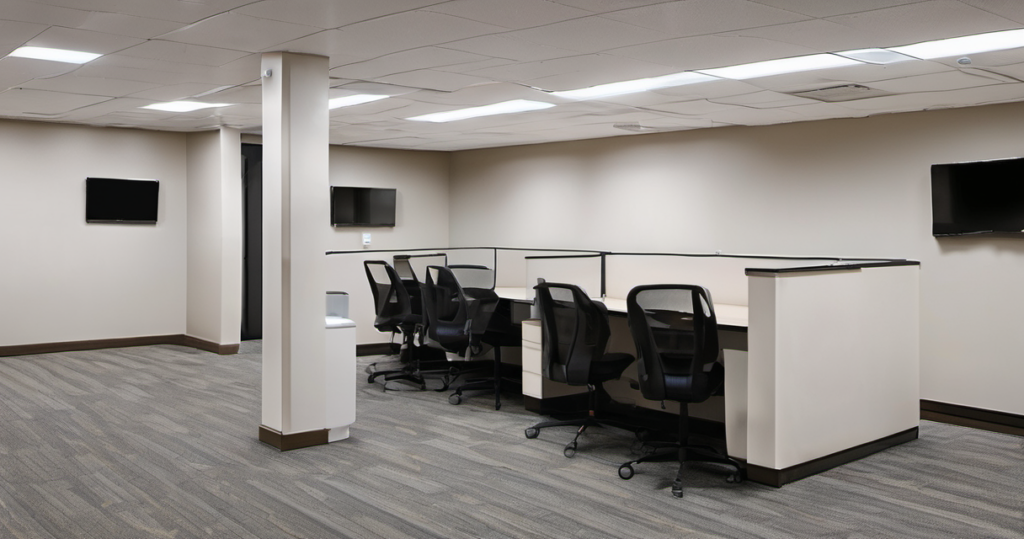
A practical North Texas timeline for business owners who need internet, Wi-Fi, cabling, phones, printers, and network equipment ready before an office move.
A business move has a way of making technology look simple right up until the last two weeks. Then the internet date is unclear, the copier vendor needs a network drop, the phones need information nobody has, and the network closet is suddenly an afterthought.
This is the timeline we would use to keep those decisions from piling up at the end. It does not replace a site walk-through or a real project plan. It gives a business owner a useful order of operations before move-in.
60 days or more before move-in: identify what must work on day one
Start with the work the business cannot pause. That may include front-desk check-in, payment terminals, cloud phones, scheduling, printers, cameras, remote access, or a shared file system.
Make a plain list of where people will work, where customers will be, and what needs a reliable connection. A rough floor plan is enough to begin. Mark desks, reception, meeting rooms, printers, cameras, TVs, access points, and any areas where guest Wi-Fi may be needed.
This is also the right time to ask the internet provider what service is available at the suite, how the service enters the building, and what information they need from the tenant. Do not assume the provider’s install date and your opening date will line up without confirming it.
30 to 45 days before move-in: plan the physical network
Choose a practical location for the network rack or closet. It needs power, airflow, service access, and a reasonable path for internet service and cabling. A rack hidden behind furniture or placed in a hot storage room is not a future-friendly decision.
Decide which devices should be wired. Access points, desktop workstations, printers, phones, cameras, conference-room equipment, and payment devices often benefit from stable Ethernet connections. That decision drives the drop count and cable paths.
This is where a cabling plan matters. It should account for present use, but leave room for a desk move, another access point, a new camera, or an extra employee later. Clean runs, labeled drops, and a clear patch-panel layout save time every time the office changes.
For a more detailed component checklist, see Texas 67 Systems’ Office Network Setup Checklist for a New Location.
Two to three weeks before move-in: coordinate the vendors
Get the provider, phone, printer, security, point-of-sale, and software vendors working from the same basic facts: move-in date, service address, internet handoff location, rack location, contact person, and anything that needs a static IP, port, or wired connection.
This does not mean one person has to manage every vendor. It means someone needs to catch conflicts before opening week.
A few questions help:
- Is the internet install actually scheduled and confirmed?
- Does the phone provider need network details before delivery?
- Does the copier need a wired drop or a reserved network address?
- Are cameras, access control, guest Wi-Fi, and staff Wi-Fi expected to stay separate?
- Is backup internet worth planning before the firewall and rack are finalized?
The final week: install, test, and label the parts people will need later
The final week should not be the first time the network is powered on. Test the internet handoff, Wi-Fi coverage, wired drops, printers, phones, shared devices, and any critical cloud-service access before the first busy day.
Label the rack, important cables, access points, and network equipment while the details are fresh. Record the ISP account owner, equipment model numbers, Wi-Fi names, vendor contacts, and any important support notes. Future troubleshooting starts faster when nobody has to guess which cable or account matters.
Opening day: have one path for the problems that still appear
Even a well-planned move can have a last-minute surprise. A printer may be delivered late. A phone may need a setting changed. A conference room may have weaker coverage than expected once furniture is in place.
The goal is not to promise a perfect opening. The goal is to have a clear support path and enough documentation to fix the remaining issues without starting from scratch.
What to send before asking for help with an office move
A useful first message includes the business name, city, target move-in date, rough floor plan or photos, number of staff and workstations, internet provider, phone and printer vendors, and the systems that have to work on day one.
Texas 67 Systems can help North Texas businesses plan business Wi-Fi, commercial cabling, new office network setup, and backup internet before opening-day details turn into delays.
Frequently asked questions
Should we wait until furniture arrives to plan Wi-Fi and cabling?
No. Furniture, walls, counters, camera locations, and desk placement all affect cabling and Wi-Fi. Early planning is usually cleaner and gives vendors more room to work.
Does every device need Ethernet?
No. Phones, laptops, and tablets may work well on Wi-Fi. Access points, printers, cameras, fixed workstations, payment equipment, and conference-room hardware are often better candidates for a wired connection.
When should backup internet be considered?
Before the firewall, network rack, and service plan are finalized. It is easier to include failover in the design than bolt it on after the business has already experienced an outage.
Planning an office move in North Texas? Send the city, move-in date, and what has to work on day one through the Texas 67 Systems contact page. We will help identify the next practical step.
Next step
Ready to figure out the next step?
Send the details you have. We will help turn the problem into a practical plan.